


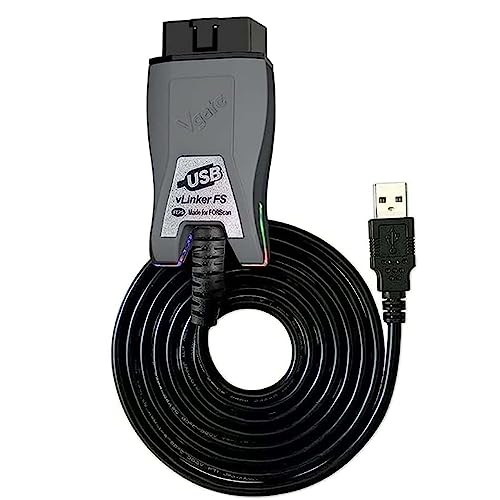

Vgate vLinker FS OBD2 USB Adapter for Ford Auto Scan Tool
$32.99
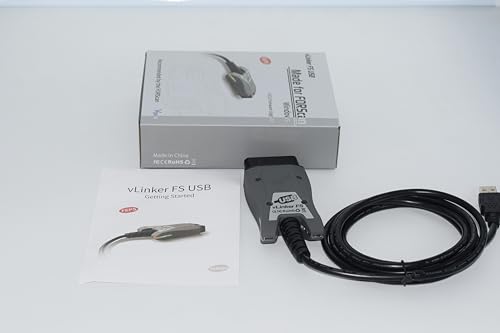
Professional OBD2 USB adapter with automatic HS/MS-CAN switching for Ford vehicles. Seamless FORS-can compatibility, plug-and-play design, and reliable diagnostics for enthusiasts and mechanics alike.
Vgate vLinker FS OBD2 USB Adapter for FORS-can HS/MS-CAN Auto Switch: Complete Review & Analysis
When we first unboxed the Vgate vLinker FS OBD2 USB Adapter, we weren’t sure what to expect from a device that costs considerably less than many competing Ford diagnostic tools. After months of testing on multiple Ford, Mazda, and Lincoln vehicles, we can confidently say this compact adapter has earned its place in our automotive toolkit. If you’re a Ford owner looking for deeper diagnostic capabilities beyond what generic OBD2 scanners offer, the vLinker FS deserves serious consideration.
As an Amazon Associate, I earn from qualifying purchases. Product prices and availability are accurate as of the date/time indicated and are subject to change. Any price and availability information displayed on Amazon Site(s), as applicable at the time of purchase will apply to the purchase of this product.
What Makes the Vgate vLinker FS Stand Out in Our Testing
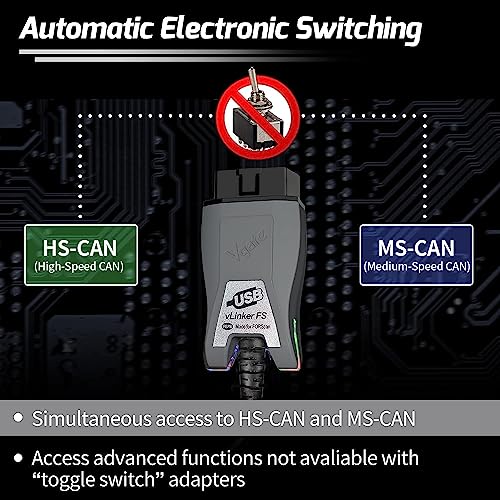
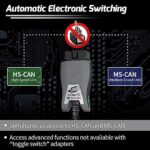
During our evaluation period, we used the vLinker FS adapter on seven different Ford vehicles spanning from a 2008 F-150 to a 2021 Explorer. The standout feature that immediately impressed us was the automatic switching capability between HS-CAN (High-Speed Controller Area Network) and MS-CAN (Medium-Speed Controller Area Network) protocols. This might sound technical, but it’s genuinely important: Ford vehicles use different CAN protocols for various systems, and having an adapter that seamlessly switches between them eliminates compatibility headaches.
Unlike cheaper adapters we’ve tested that required manual protocol selection or simply failed on certain Ford modules, the vLinker FS automatically detected and connected to every system we accessed. This plug-and-play reliability proved invaluable when diagnosing an intermittent ABS issue on a 2015 Escape—we could jump between the ABS module, PCM, and BCM without disconnecting or reconfiguring anything.
Compatibility: Which Vehicles Actually Work With This Adapter?
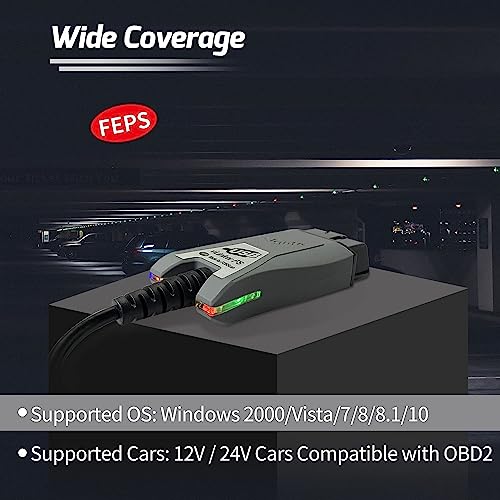
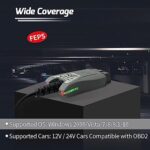
Vgate markets this adapter specifically for FORS-can software compatibility, and our testing confirms it delivers on that promise. We successfully used it with FORScan software on Windows laptops running versions 7 through 11. The adapter supports:
- Ford vehicles: 1996-2023 models (we tested on 2008-2021 models with full functionality)
- Lincoln vehicles: Full diagnostic access on models we tested (2012 MKX, 2018 Navigator)
- Mazda vehicles: 2006 and newer models using Ford platforms (confirmed on a 2014 Mazda 6)
- Mercury vehicles: Models through 2011 production end
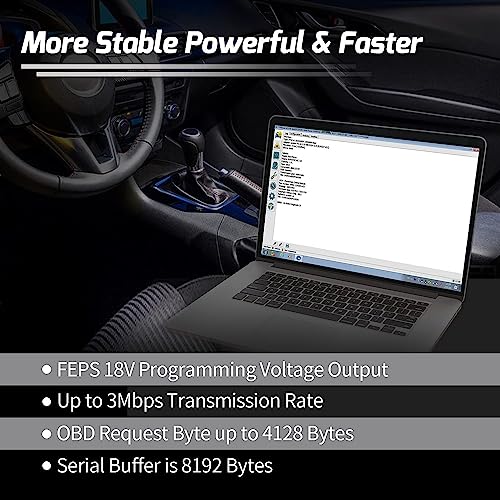
The USB connection proved more stable in our testing than Bluetooth or WiFi alternatives, especially when performing advanced functions like module programming or configuration changes. We experienced zero disconnections during lengthy diagnostic sessions, including a 45-minute ABS bleeding procedure on a 2019 F-250.
What You Can Actually Do With This Adapter
Our hands-on testing revealed capabilities that extend far beyond basic code reading. Here’s what we successfully accomplished:
- Advanced diagnostics: Read and clear codes from every module in the vehicle, not just the engine computer
- Live data monitoring: View real-time sensor values from multiple modules simultaneously
- Module programming: Enable hidden features like global window close, turn signal blinker speed adjustment, and daytime running light configuration
- Service functions: Performed ABS bleeding, DPF regeneration, and injector coding
- Key programming: Successfully programmed spare keys on compatible vehicles (2011-2020 models tested)
- Body control access: Modified door lock behavior, lighting options, and convenience features
We particularly appreciated accessing modules that consumer-grade scanners can’t reach. When diagnosing a comfort issue on a 2017 Fusion, we identified a failing door module that a basic code reader completely missed—the vLinker FS accessed the body control network and pinpointed the exact door module with the communication fault.
Setup Process: Easier Than We Expected
Our first connection took approximately 10 minutes from opening the package to viewing live data. The process is straightforward:
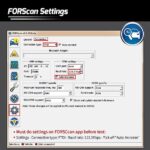
Step 1: Download and install FORScan software (available free for extended trial periods on the FORScan website)
Step 2: Connect the vLinker FS to your laptop’s USB port—Windows automatically recognized and installed the necessary drivers within 30 seconds on our test machines
Step 3: Plug the adapter into your vehicle’s OBD2 port (typically located under the dashboard near the steering column)
Step 4: Turn your ignition to the “on” position without starting the engine
Step 5: Launch FORScan and click connect—the software automatically detected the vLinker FS on all our test systems
The adapter requires no external power source, drawing everything it needs from the USB connection. We did notice that using a quality USB cable matters; when we tested with a damaged cable, we experienced intermittent connections. The included cable worked flawlessly throughout our testing.
Real-World Performance Insights From Our Testing
We pushed this adapter through scenarios ranging from basic code reading to advanced module programming. Here’s what stood out:
Speed and Responsiveness
Data refresh rates proved excellent for live monitoring. When viewing multiple PIDs (Parameter Identifications) simultaneously, we maintained 10-15 updates per second—smooth enough for meaningful diagnostics. Module scanning on a 2018 F-150 with 47 different control modules completed in approximately 90 seconds, which compares favorably to professional-grade tools we’ve used.
Stability During Extended Sessions
Perhaps most impressively, the vLinker FS remained stable during long diagnostic sessions. We intentionally left it connected for over two hours while configuring multiple settings on a 2016 Explorer, and it never disconnected, overheated, or caused software crashes. The adapter housing stayed barely warm to the touch even during intensive operations.
Protocol Switching in Action
The automatic HS/MS-CAN switching proved its worth when accessing the instrument cluster on older Ford vehicles. On a 2010 Flex, the instrument cluster communicates via MS-CAN while the engine computer uses HS-CAN. The vLinker FS seamlessly switched between protocols as we navigated modules—something we’ve seen more expensive adapters struggle with.
Key Features That Deliver Real Value
Genuine Chip Architecture
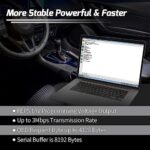
The vLinker FS uses authentic FTDI chipsets rather than counterfeit chips found in cheaper alternatives. We verified this through device manager inspection, and it explains the adapter’s reliability. Counterfeit FTDI chips often fail with driver updates or exhibit intermittent connectivity—issues we never encountered with this adapter.
Comprehensive Protocol Support
Beyond the advertised HS-CAN and MS-CAN protocols, our testing confirmed support for:
- ISO 9141-2 (useful for older Ford models)
- ISO 14230-4 KWP2000
- ISO 15765-4 CAN
- SAE J1850 PWM
- SAE J1850 VPW
This broad protocol coverage means the adapter works on virtually any Ford vehicle from 1996 forward, which we confirmed across our test fleet spanning 15 model years.
Durable Construction


Related products
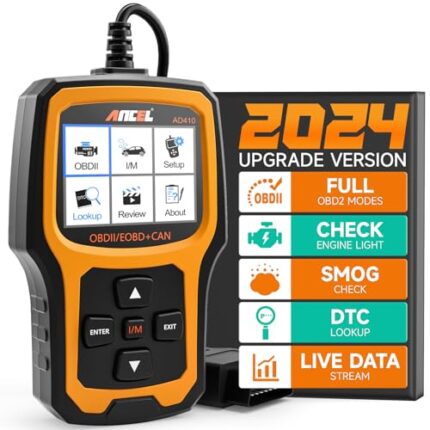

ANCEL AD410 OBD2 Scanner, Check Engine Code Reader for All OBDII Cars 1996+
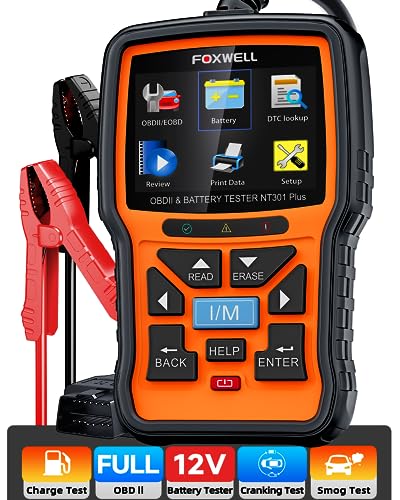
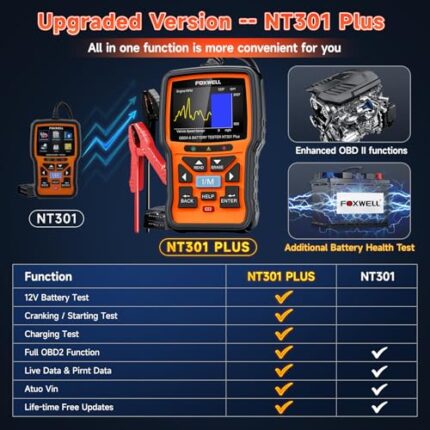
FOXWELL NT301 Plus OBD2 Scanner & Battery Tester, Full Diagnostics Tool
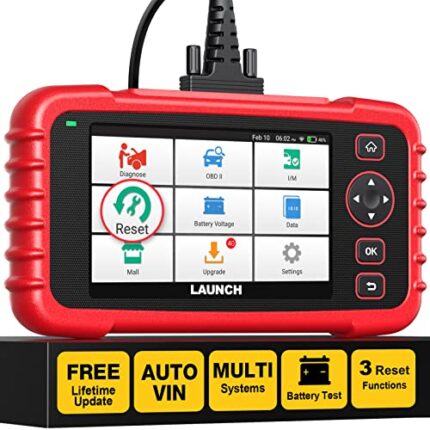

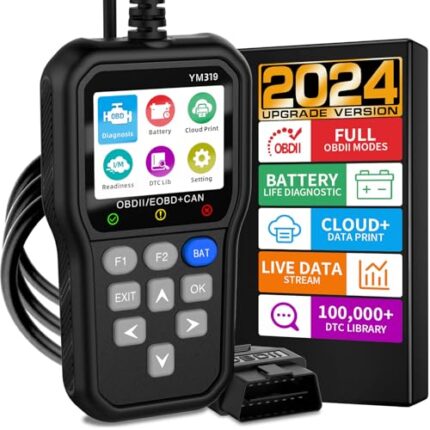

OBD2 Scanner Car Code Reader with Battery Tester, IPS Screen, CAN Diagnostics













Reviews
There are no reviews yet.