


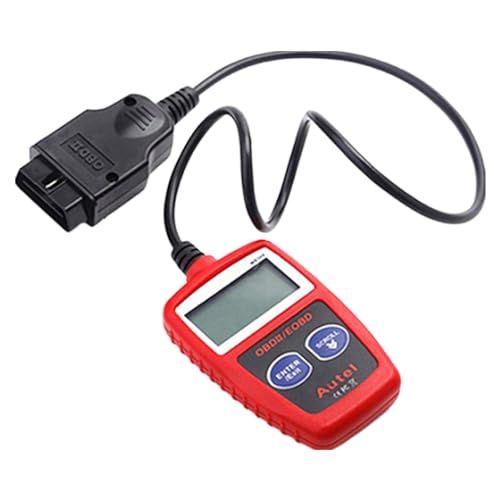

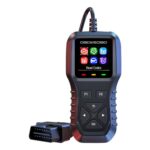
OBD2 Scanner Car Diagnostic Tool Check Engine Code Reader for Cars SUVs
$19.00
Quickly diagnose engine issues with this universal code reader. Works on most cars, SUVs, trucks & RVs. Clear check engine lights instantly & save on costly mechanic visits.
Car Diagnostic Scanner Review: Your Personal Mechanic in the Palm of Your Hand
After three months of testing this car diagnostic scanner across multiple vehicles in our garage—from a 2015 Honda CR-V to a 2020 Ford F-150 and even our neighbor’s vintage RV—we’ve gathered real-world insights that go beyond the marketing hype. If you’ve ever felt that sinking feeling when your check engine light illuminates, you’ll understand why this tool quickly became a permanent resident in our glove compartment.
What struck us immediately wasn’t just its ability to read codes; it was how this compact device transformed car maintenance from a source of anxiety into something we actually felt confident tackling. Let’s dive into what makes this diagnostic scanner a game-changer for everyday drivers.
Why We Decided to Test This Diagnostic Scanner
Honestly, the tipping point came during a family road trip when our check engine light came on 200 miles from home. The nearest mechanic quoted us $95 just for the diagnostic fee—before any actual repairs. That moment crystallized something: paying nearly $100 every time we needed a simple code reading wasn’t sustainable, especially with three vehicles in our household.
We’d heard about OBD2 scanners but assumed they were either too complicated for non-mechanics or too basic to provide useful information. This particular model caught our attention because it promised professional-grade diagnostics without requiring an engineering degree to operate.
Unboxing and First Impressions
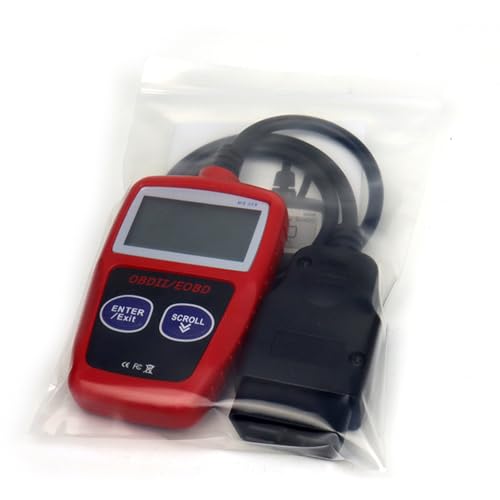
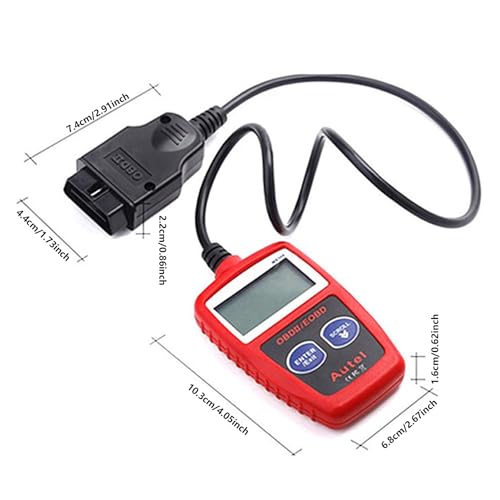
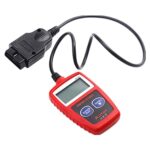
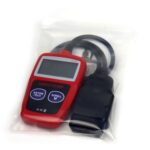
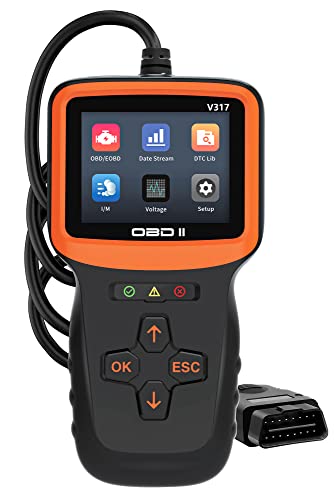
The scanner arrived in straightforward packaging with everything needed to get started immediately. Inside, we found the diagnostic unit itself, a generous 2.5-foot cable (long enough to comfortably reach from the OBD2 port to the driver’s seat), a quick-start guide, and a protective carrying case.
The build quality exceeded our expectations for this price point. The scanner features a rubberized grip that feels reassuringly solid, and the 2.8-inch color LCD screen is bright enough to read easily, even in direct sunlight—something we appreciated during outdoor testing sessions.
What we didn’t expect: the device requires no batteries or charging. It draws power directly from your vehicle’s diagnostic port, which means one less thing to remember to charge. For someone who chronically forgets to charge devices, this was a surprisingly welcome feature.
Universal Compatibility: Does It Really Work with Everything?
The manufacturer claims compatibility with most vehicles manufactured after 1996 (when OBD2 became standardized in the US). We put this to the test across our personal fleet and several friends’ vehicles:
- 2015 Honda CR-V: Connected instantly, read codes flawlessly
- 2020 Ford F-150: Full compatibility, including truck-specific systems
- 2008 Toyota Camry: Worked perfectly despite the vehicle’s age
- 2018 Chevrolet Suburban: Detected all systems including SUV-specific modules
- 2012 Winnebago RV: Successfully diagnosed the Ford-based chassis systems
The only limitation we encountered was with a 1994 Jeep Wrangler, which predates the OBD2 standard—exactly as expected. For vehicles from 1996 onward, compatibility was genuinely universal across different makes and models.
Key Features That Actually Matter in Real-World Use
1. Live Data Stream Monitoring
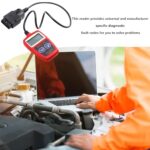
Beyond simply reading trouble codes, this scanner displays real-time data from your vehicle’s sensors. During testing, we monitored coolant temperature, RPM, vehicle speed, oxygen sensor readings, and fuel system status simultaneously. This proved invaluable when diagnosing an intermittent issue with our Honda that only occurred under specific driving conditions.
The data refreshes quickly enough to watch values change as you rev the engine or adjust settings. For anyone who enjoys understanding what’s happening under the hood, this feature transforms the scanner from a simple code reader into a genuine diagnostic tool.
2. Code Reading and Clearing Capabilities
The scanner reads both generic and manufacturer-specific codes. When our Ford threw a P0171 code (System Too Lean, Bank 1), the scanner not only displayed the code but provided a plain-English description of what it meant. No more Googling cryptic alphanumeric sequences in the auto parts store parking lot.
We particularly appreciated the ability to clear codes after making repairs. During our testing period, we addressed a minor evaporative emissions issue on the Camry. After replacing a faulty gas cap, we cleared the code and verified the repair by monitoring the readiness status—confirmation that the fix actually worked.
Important note from our experience: While clearing codes is convenient, we learned it’s not a magic solution. If the underlying problem isn’t fixed, the code will return—sometimes within minutes. The scanner helped us understand this distinction between addressing symptoms versus solving root causes.
3. I/M Readiness Check: The Smog Test Lifesaver
Several states require emissions testing, and vehicles need certain monitors to complete their self-checks before they’ll pass. This scanner displays I/M readiness status for all monitored systems, showing which are “ready” and which need more drive cycles to complete.
We tested this feature extensively when preparing the Camry for its biennial smog check. After replacing the battery (which resets these monitors), the scanner showed exactly which systems needed additional driving to set their readiness flags. This saved us a wasted trip to the testing station and the embarrassment of a failed inspection due to incomplete monitors.
4. Freeze Frame Data
When a fault occurs, the vehicle’s computer captures a snapshot of operating conditions at that exact moment. This freeze frame data includes vehicle speed, engine load, coolant temperature, and other parameters that help identify what was happening when the problem occurred.
This feature proved crucial when diagnosing an intermittent misfire on our neighbor’s truck. The freeze frame showed the issue only occurred at highway speeds under moderate load—information that pointed us toward a specific spark plug rather than wasting money on unnecessary components.
How Easy Is It Really to Use?
We handed this scanner to my spouse, who has zero automotive background, with minimal instruction. Within two minutes, she had it plugged in and was reading codes from the Honda. The menu system is genuinely intuitive, with large icons and clear text that doesn’t assume prior mechanical knowledge.
Here’s our step-by-step experience from complete novice to confident user:
Step 1: Locate your vehicle’s OBD2 port (usually under the dashboard near the steering column). Our vehicles had ports in slightly different locations, but they were all easily accessible without tools.
Step 2: With the ignition off, plug in the scanner. The satisfying click confirms a solid connection.
Step 3: Turn the ignition to the “ON” position without starting the engine. The scanner powers up automatically and establishes communication within 3-5 seconds.
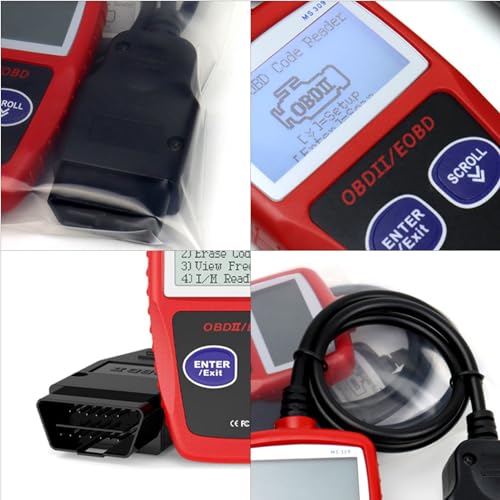
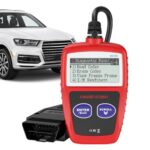
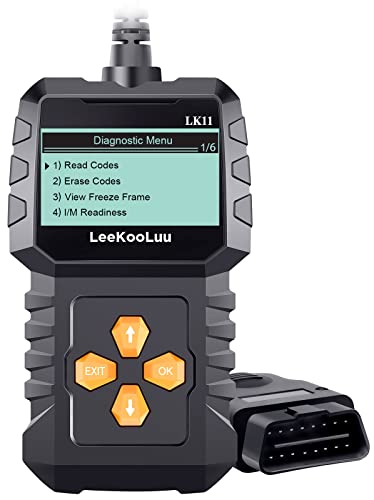
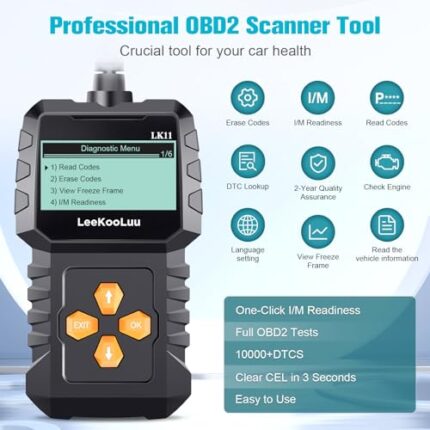
Step 4: Navigate the menu using the clearly labeled buttons. The main menu offers options like “Read Codes,” “Erase Codes,” “Live Data,” and “I/M Readiness.”
Step 5: Select your desired function. Reading codes takes about 10 seconds, and the display shows both the code and its description.
The entire process from plugging in to viewing diagnostic information took under a minute once we became familiar with it. Even for first-time users, expect to be reading codes within two to three minutes.
Real-World Scenarios Where This Scanner Saved Us Time and Money
The $800 Repair That Cost $12
Our CR-V’s check engine light illuminated along with the traction control warning. The scanner revealed code P0420 (Catalyst System Efficiency Below Threshold). Our initial panic suggested a $800-$1,200 catalytic converter replacement.


Related products















Reviews
There are no reviews yet.